


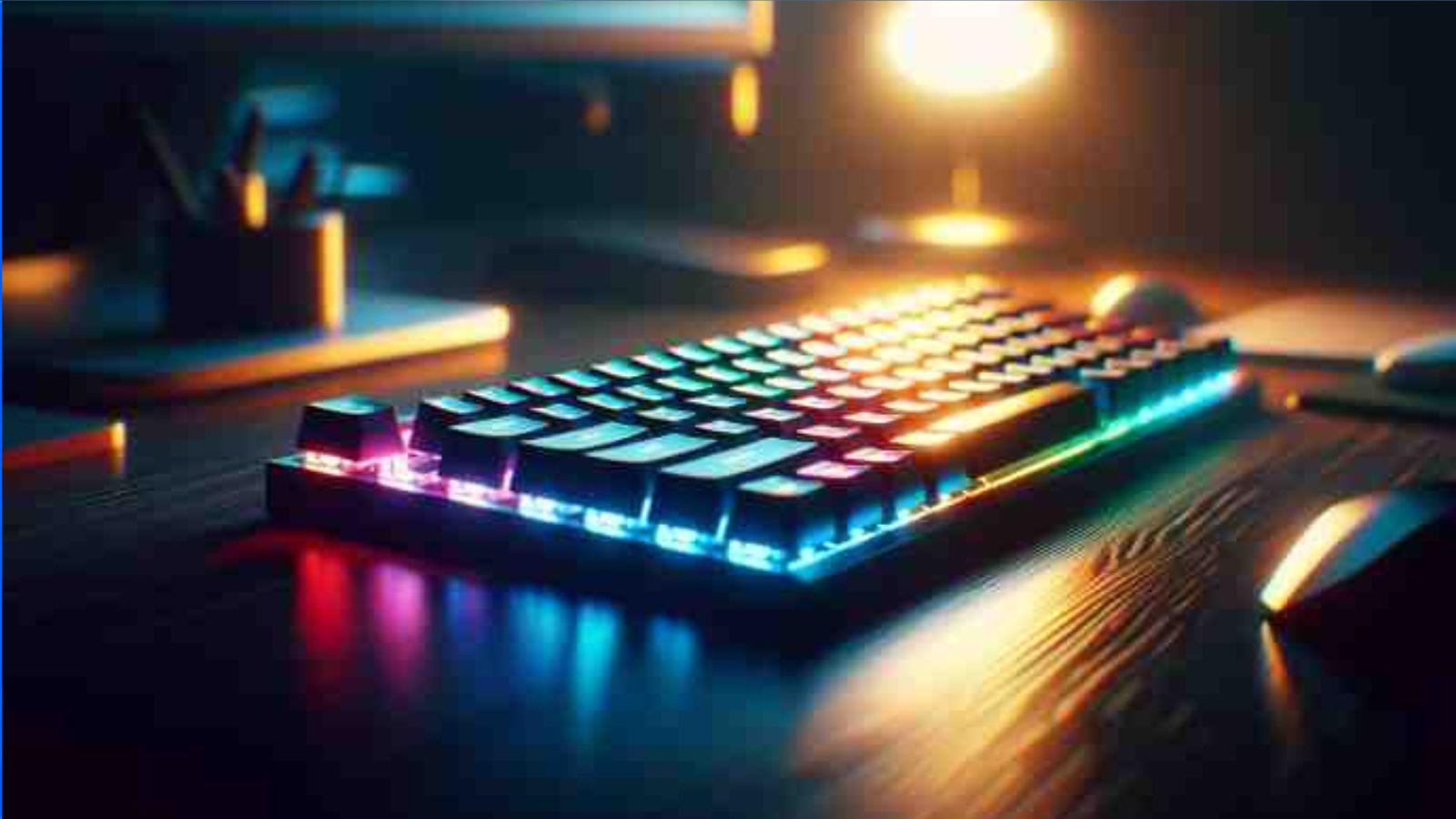
In today’s digital world, the keyboard is one of the most fundamental tools for interacting with computers, smartphones, and other digital devices. From typing documents to executing commands and gaming, keyboards are a cornerstone of technology. While it may seem like a simple device, there’s much more to keyboards than meets the eye. This article explores the history, types, uses, and technological advancements of keyboards, along with tips for choosing the best one for your needs.
What Is a Keyboard?
A keyboard is an input device that allows users to enter text, numbers, and commands into a computer or electronic device. It consists of keys arranged in a specific layout, usually including letters, numbers, symbols, and function keys.
Originally designed to mimic typewriters, keyboards have evolved to include specialized keys for multimedia, gaming, and programming, making them versatile tools in the digital age.
History of the Keyboard
The keyboard has a fascinating history:
- 1868: The Typewriter Era – Christopher Latham Sholes invented the QWERTY layout, designed to prevent mechanical jams in typewriters.
- 1970s: Computer Keyboards – With the advent of computers, keyboards transitioned from typewriters to digital input devices.
- 1980s-1990s: Personal Computing – IBM and Apple popularized keyboards with personal computers.
- 2000s: Wireless & Ergonomic Designs – Modern keyboards became wireless, ergonomic, and feature-rich for productivity and comfort.
The keyboard’s evolution demonstrates its adaptability and enduring importance in technology.
Types of Keyboards
Keyboards come in many varieties, designed for different purposes:
1. Mechanical Keyboards
- Use physical switches under each key.
- Known for durability and tactile feedback.
- Popular with gamers and typing enthusiasts.
2. Membrane Keyboards
- Use pressure pads instead of mechanical switches.
- Quieter and cheaper than mechanical keyboards.
- Common in office environments.
3. Ergonomic Keyboards
- Designed to reduce strain on hands and wrists.
- Often split or curved to match natural hand positions.
- Ideal for long typing sessions.
4. Wireless Keyboards
- Connect via Bluetooth or radio frequency (RF).
- Provide portability and flexibility.
- Useful for living rooms, mobile setups, or limited desk space.
5. Gaming Keyboards
- Equipped with RGB lighting, programmable macros, and fast response times.
- Mechanical switches often preferred.
- Designed for intense gaming sessions.
6. Virtual and Touchscreen Keyboards
- Found on smartphones, tablets, and touch devices.
- No physical keys; input is detected via touch or gestures.
- Convenient but may lack tactile feedback.
Key Components of a Keyboard
A standard keyboard usually consists of the following components:
- Alphanumeric Keys – Letters, numbers, and symbols.
- Function Keys (F1-F12) – Perform special tasks or shortcuts.
- Control Keys – Such as Ctrl, Alt, and Shift, used in combination with other keys.
- Navigation Keys – Arrows, Home, End, Page Up, Page Down.
- Numeric Keypad – Facilitates number entry, especially in spreadsheets or finance.
- Special Keys – Includes Escape, Tab, and multimedia keys.
Uses of a Keyboard
Keyboards are essential for almost every digital activity:
- Typing documents and emails
- Programming and coding
- Gaming with customizable macros and hotkeys
- Data entry for finance, accounting, and spreadsheets
- Web navigation and shortcuts to increase productivity
- Creative work such as music production or graphic design shortcuts
Choosing the Right Keyboard
Selecting the best keyboard depends on your needs, comfort, and usage style:
- For Typing: Mechanical or ergonomic keyboards with tactile feedback.
- For Gaming: Mechanical gaming keyboards with high response speed and programmable keys.
- For Portability: Wireless keyboards or foldable designs.
- For Comfort: Ergonomic keyboards to reduce wrist and hand strain.
- For Budget: Membrane keyboards are cost-effective while remaining functional.
Keyboard Technology Advancements
Modern keyboards are no longer just letters on keys. Some innovations include:
- Backlit Keyboards: RGB or single-color lighting for low-light use.
- Smart Keyboards: Can connect to multiple devices simultaneously.
- Programmable Macros: Automate repetitive tasks for gaming or productivity.
- Touch-Sensitive Keys: Offer gesture-based input for advanced devices.
- Ergonomic Customization: Split keyboards, tented designs, and adjustable angles reduce fatigue.
Tips for Keyboard Maintenance
Proper care ensures a long-lasting, functional keyboard:
- Regular Cleaning: Dust and crumbs can block keys; use compressed air or soft brushes.
- Avoid Liquid Spills: Protect your keyboard from water and coffee.
- Check for Firmware Updates: For smart or gaming keyboards, updates may improve performance.
- Adjust Ergonomics: Keep your hands at a neutral angle to prevent strain or repetitive stress injuries.
- Replace Worn Keys: Mechanical keyboards allow individual switch replacement; membrane keyboards may require full replacement.
FAQs About Keyboards
1. What is the best keyboard for typing?
Mechanical keyboards with tactile feedback are ideal for typing due to their responsiveness and durability.
2. Are wireless keyboards as good as wired ones?
Yes, for most purposes, wireless keyboards are effective, but wired keyboards can offer faster response times, especially for gaming.
3. What is the difference between mechanical and membrane keyboards?
Mechanical keyboards use individual switches for each key, providing tactile feedback, while membrane keyboards use pressure pads, making them quieter and cheaper.
4. Can keyboards be used with tablets and smartphones?
Yes, many keyboards connect via Bluetooth, making them compatible with mobile devices.
5. Do ergonomic keyboards really reduce strain?
Yes, ergonomic designs are intended to minimize wrist and hand strain, improving comfort during long typing sessions.
6. What is a gaming keyboard?
A gaming keyboard features fast switches, programmable keys, and often backlighting, designed for gamers who require speed and customization.
7. How often should I clean my keyboard?
Ideally, once a week for light cleaning and monthly deep cleaning to remove debris and bacteria.
Conclusion
The keyboard is much more than a simple input device; it is a gateway to digital communication, productivity, and creativity. From its historical roots in typewriters to the modern mechanical, ergonomic, and virtual keyboards of today, it has evolved to meet the demands of professionals, gamers, and everyday users.
Understanding the types, features, and proper maintenance of keyboards can help you select the right device for your needs, maximize efficiency, and improve comfort. Whether for work, gaming, or personal projects, the keyboard remains an indispensable part of the digital world.
