


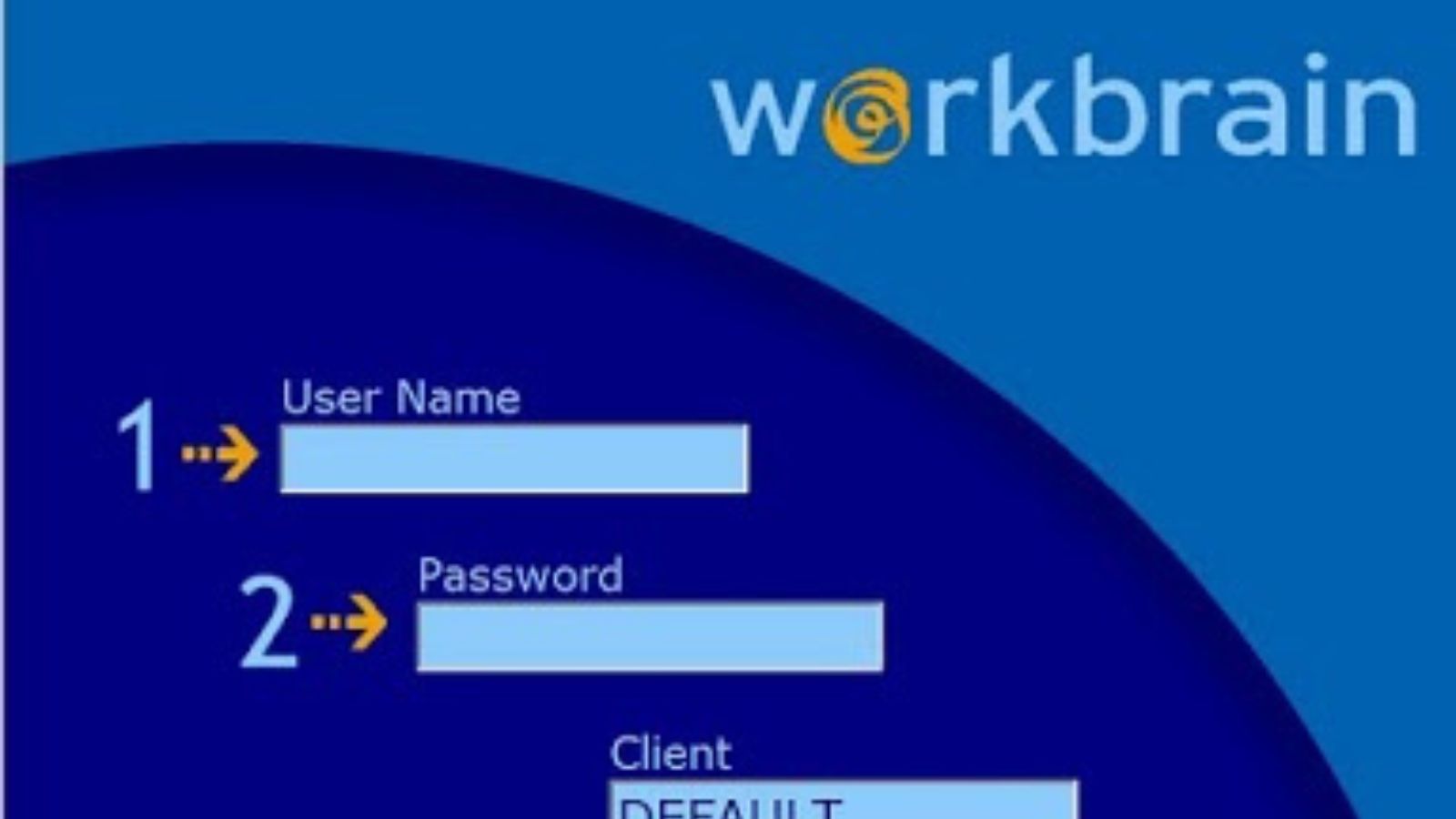
Introduction to CVS Workbrain
CVS Workbrain is an employee management system specifically designed for CVS workers. Its primary function is to allow employees to view their schedules, request time off, swap shifts, and track work hours digitally. Instead of relying on printed schedules or repeatedly asking managers about shift changes, employees can log into the system at any time to access their personalized work plan. This flexibility not only saves time but also empowers employees to take control of their schedules. The platform is accessible via web browsers and mobile devices, ensuring convenience for workers on the go.
How CVS Workbrain Works
The CVS Workbrain system functions as a centralized scheduling and time management tool. Employees receive login credentials from their managers, allowing them to access the system securely. Once logged in, they can view their weekly or monthly schedule, track hours worked, and manage shift-related requests. The system also allows employees to request time off for personal reasons, holidays, or emergencies. Additionally, CVS Workbrain supports shift swapping, enabling employees to trade shifts with coworkers without requiring manual approval each time. The platform automatically updates schedules to reflect these changes, minimizing errors and confusion.
From a managerial perspective, CVS Workbrain provides tools to create schedules, assign shifts, and approve time-off requests efficiently. Managers can monitor employee availability, track hours, and ensure compliance with labor laws and company policies. By automating these tasks, the system reduces the administrative workload and helps maintain smooth store operations.
Key Features of CVS Workbrain
CVS Workbrain offers a variety of features that enhance employee experience and streamline operational efficiency. Schedule viewing is one of the most commonly used features, allowing employees to check their shifts in real time. Time tracking ensures that hours worked are accurately recorded, helping with payroll processing and attendance management. Time-off requests can be submitted digitally, with managers receiving notifications for approval, which speeds up the process compared to traditional manual methods. The shift swap feature is particularly valuable, as it allows employees to exchange shifts with coworkers, maintaining schedule flexibility without creating administrative headaches. Additionally, the platform often includes reminders and notifications about upcoming shifts, changes, or pending requests, helping employees stay organized.
Benefits of Using CVS Workbrain
The CVS Workbrain system offers numerous advantages for both employees and managers. For employees, the most obvious benefit is convenience. They can check schedules anytime, anywhere, reducing the need to physically go to the store or contact managers for updates. The ability to request time off and swap shifts digitally provides flexibility, allowing employees to balance work and personal responsibilities more effectively. The system also improves accuracy, as schedules are updated in real time, reducing the risk of miscommunication or scheduling conflicts. For managers, CVS Workbrain saves time and effort by automating scheduling, shift management, and payroll tracking. This allows them to focus on other operational tasks rather than constantly handling scheduling inquiries. The centralized system also improves transparency, as both employees and managers can access the same information, fostering a smoother workflow and reducing misunderstandings.
How Employees Can Use CVS Workbrain Effectively
To maximize the benefits of CVS Workbrain, employees should familiarize themselves with all the platform’s features. Logging in regularly ensures that they are aware of any schedule changes or new shift assignments. Using the time-off request function proactively allows employees to plan vacations or personal time without conflicts. The shift swap feature can be used to accommodate unexpected changes or emergencies, maintaining workplace flexibility. Tracking hours worked also helps employees ensure their pay is accurate and keeps them informed about overtime or accumulated hours. Familiarity with notifications and reminders can prevent missed shifts or late arrivals, contributing to better work performance.
Security and Accessibility
CVS Workbrain is designed with secure login protocols, ensuring that employee data is protected. Login credentials are typically unique to each employee, and access is monitored to prevent unauthorized use. The system is accessible on multiple devices, including smartphones, tablets, and desktop computers, which allows employees to check schedules while commuting, at home, or on the job. Accessibility features ensure that employees with varying levels of technical proficiency can navigate the platform effectively. CVS Workbrain’s user-friendly interface reduces confusion and helps employees complete tasks efficiently, whether they are requesting time off, swapping shifts, or checking work hours.
Impact on Employee Productivity and Satisfaction
The introduction of CVS Workbrain has had a positive impact on both productivity and employee satisfaction. By giving employees direct access to schedules and shift management tools, the system reduces frustration associated with miscommunication and last-minute changes. Employees no longer need to wait in line or contact managers repeatedly for schedule updates, freeing up time for productive work. Managers also benefit from the reduced administrative workload, allowing them to focus on operational efficiency and customer service. Overall, CVS Workbrain contributes to a more organized, transparent, and flexible work environment, which can improve morale and reduce employee turnover.
Common Challenges and Solutions
While CVS Workbrain offers numerous benefits, some employees may initially face challenges in adapting to the system. Technical difficulties, such as login problems or forgotten passwords, are common but can typically be resolved through the company’s IT support or HR department. Some employees may need training to understand features like shift swaps, time-off requests, or payroll tracking. CVS often provides guidance materials, tutorials, or support resources to help employees navigate the platform efficiently. Regular use and familiarization reduce errors and help employees take full advantage of the system’s capabilities.
Conclusion
The CVS Workbrain system represents a significant advancement in employee scheduling and time management for large retail organizations. By providing a centralized, digital platform, it allows CVS employees to check their schedules, request time off, swap shifts, and track work hours efficiently. The system saves time, reduces administrative burden, and enhances workplace transparency.
